We make screens a little calmer.
Dark Reader started with one simple wish: to read, write and work after dark without squinting at a wall of white. Today it is a Chrome extension used by half a million people and a set of dark tools that run right in your browser.
What we do
Most of the web is built for daylight. Documents, e-mails, articles and dashboards open on a bright white background, and after a few hours that light becomes tiring. Our job is to take it down a notch without breaking what you are reading.
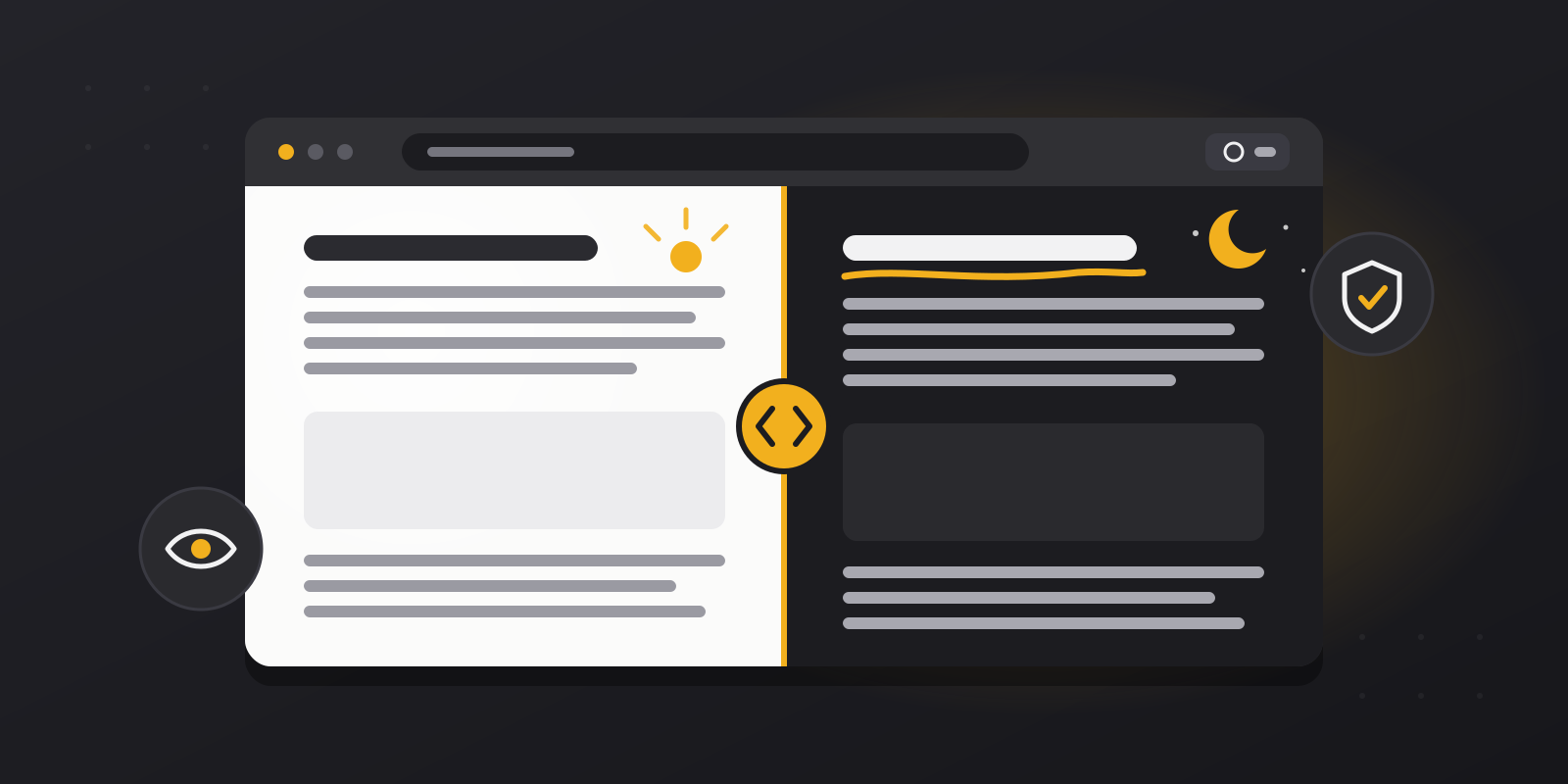
Our Chrome extension, Dark Theme, switches almost any website to a dark theme. Where a site already has its own night mode, you can control it from the extension. Where it does not, as with Gmail, Google Docs, Office Online or GitHub, the extension converts the colours so the change feels smooth rather than harsh. A Night Shift mode adds a warmer tone to the screen after dark, and a white-list lets you leave chosen sites untouched.
This website is the other half of the idea. It gathers small dark tools for the things that a browser extension cannot do on its own: reading PDF and EPUB files, opening Word and spreadsheet files, writing notes, checking contrast and working in focused blocks of time.
Dark Reader in numbers
Figures are taken from our Chrome Web Store page and may change over time.
The tools on this site
The website has ten tools, and each one answers a simple question. How do I read this PDF without the glare? Can I open this Word file or spreadsheet at night? Where do I jot something down, and how do I stay on task for the next half hour? You do not need an account for any of them, and you can switch between them whenever the job changes.
Documents are the place to start, because a bright white page hurts the most there. The PDF, EPUB, DOCX and spreadsheet readers apply a dark tone while you read and leave the original file untouched. The notepad, text reader and focus timer cover writing and planning. Image Color, Contrast Checker and Dark Screenshots help when colours matter: checking that text is readable on a dark background, or sharing a capture that does not blind the person who opens it.
When you want to come back to a file later, My Library keeps the documents and images you chose to save, together with PDF highlights and EPUB reading progress, so you can pick up where you stopped.
How your files are handled
When you open a file in one of our tools, your browser reads it and the tool works on it in the memory of the open tab. Nothing is sent to our servers. If you close the tab without saving, the working copy is gone.
Saving is always your choice. When you add a file to My Library, it is written to your browser’s own storage on your device, not to a server, and it is not synced to other devices. That also means we cannot recover it for you, so it is worth downloading anything important. You can delete one file or the whole library at any time, or clear the site data in your browser to remove everything, including notes and settings.
Like most websites, we use Google Analytics and Cloudflare analytics to see how many people visit and which tools they use, and we never send the contents of your files to either of them. The details are in our Privacy Policy, and the rules for using the site are in our Terms of Service.
What we believe in
Three ideas guide every tool we add and every change we make.
Comfort comes first
A dark page is only useful if it is pleasant to read. We choose soft contrast, warm accents and calm tones instead of pure black and harsh white, so your eyes can relax during long sessions.
Your files stay yours
The tools on this site work inside your browser. Documents you open are processed on your device, with no account and no upload required. In the Chrome Web Store, the extension declares that it does not collect or use your data.
Simple by design
One click should be enough. We keep the interface quiet and free of clutter, so the tool stays out of the way and your attention stays on what you are reading or writing.
Free, and still growing
The extension and every tool on this site are free to use, with no accounts, page limits or watermarks. The site is available in English, Portuguese, Russian, German and Swedish, and the extension speaks 21 languages, so the same calm layout is there whichever language you read in.
Dark Reader keeps growing in small steps. A convert option for the PDF reader, which would save a darkened copy as a separate file, is one of the things we have in mind. We add tools slowly and test them on real documents, because a dark tool that gets in the way is worse than no tool at all.
Who it is made for
Students who read long PDFs late in the evening. Developers who spend the day in documentation and code hosting sites. Writers and designers who work when the house is quiet. Readers who simply prefer a dark page to a bright one. If you spend hours in front of a screen, Dark Reader is meant for you.
We read the reviews and answer questions, and many of our improvements begin with a message from a user. If something feels wrong on a particular site, or you have an idea for a new tool, we would like to hear about it.