
Start from the background
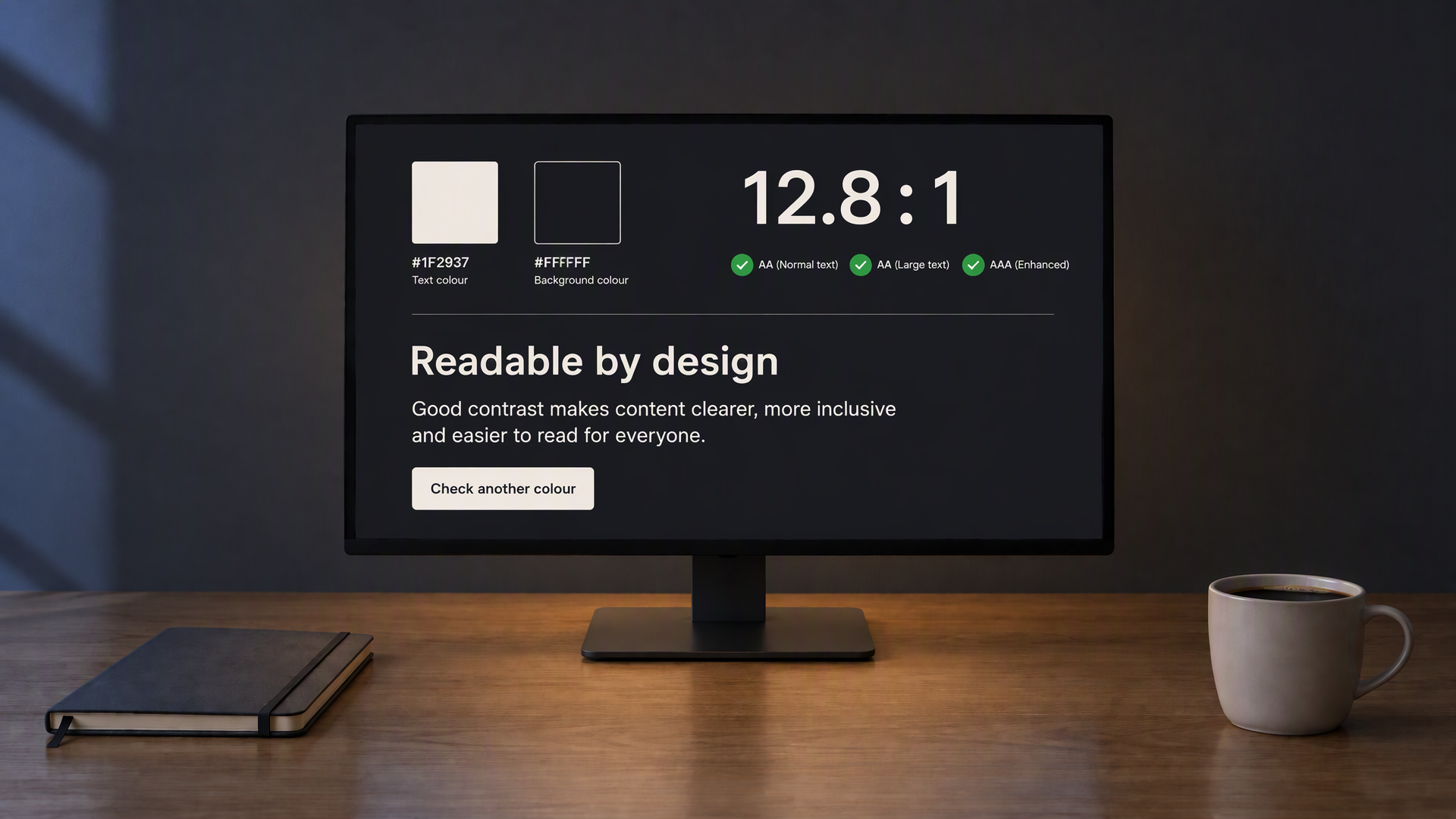
Pick the page or card background first, then raise text lightness until AA passes. On OLED black, pure white is often harsh; a soft off-white can still clear AAA.
Check text and background colours for dark screens. Find readable combinations with a live preview.
Accepts #RGB, #RRGGBB or rgb(255, 255, 255). Opaque sRGB colours only.
—
contrast ratio
Live preview
Body text shows how a short paragraph reads at the current contrast. Adjust either colour and watch the ratio update.
Large text sample — 24px regular under WCAG.
Saved on this device only. Contrast checks cover solid colours, not an entire page's accessibility.
Runs in your browser · No account · Colours never leave this page
A quick check for text and UI colours on dark screens.
Dark interfaces need enough contrast between text and background so words stay readable without harsh glare. This tool measures the contrast ratio of any two colours and compares it to the WCAG AA and AAA thresholds for normal and large text.
Enter HEX or RGB values or use the colour pickers. Choose an AA, AAA or UI target, adjust the sample's size and weight, and test your own text. Auto fix finds a stronger colour while keeping either your text or background unchanged. Save pairs on this device, copy CSS or download a JSON report.
Unlike Image Color, this page is not about photos or filters. It is only for choosing readable text and interface colours for dark layouts.
Use it when you set theme tokens, label colours or button fills for a dark product. A quick ratio check here is faster than guessing in a design file and then discovering that body copy fails AA on a real screen.
Colour tools for readable dark UI.
Type a colour code or open the system picker. Text and background update the ratio as you change them.
See pass or fail for normal text and large text against the AA (4.5:1 / 3:1) and AAA (7:1 / 4.5:1) levels.
Headings, body, large text, a link and a button use your pair so you can judge readability on a dark page.
When the ratio is weak, a clearer pair is suggested. Apply it or keep tuning by hand.
Flip text and background in one step when you want to try the inverse combination.
Copy both HEX values to the clipboard for use in CSS, design tools or notes.
Drag the handle to compare how a contrast check looks on a bright surface and on a dark one.
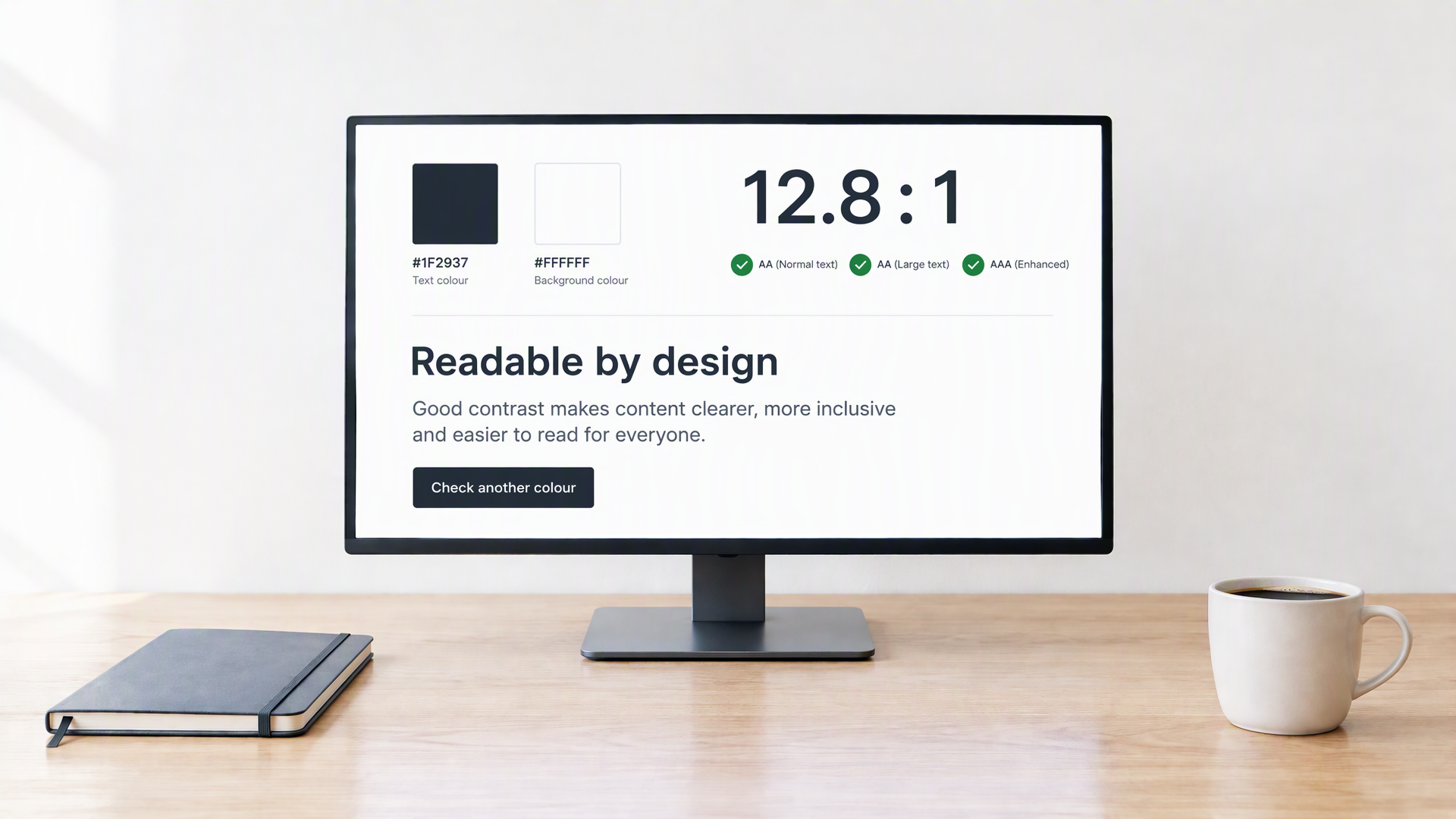
Dark backgrounds reduce glare, but light grey text on a near-black page can still fall below WCAG limits. Checking the ratio before you ship a theme catches combinations that look fine in a design file and fail in real reading conditions.
AA is the usual target for body text on the web. AAA is stricter and useful for long reading or small type. Large text (about 18pt or bold 14pt) is allowed a lower ratio. This tool reports all four checks so you can choose the level that fits your product.
Check the weakest text in a design as well as the most prominent heading. Captions, placeholders and secondary labels can become difficult to read when their colours are chosen by eye alone, and a passing large heading does not mean the same pair is suitable for smaller body text. Use the size and weight settings to match the real component, then test every background the colour will sit on. The ratio is a useful starting point for solid colours, but keyboard focus, link identification and the clarity of the wording still need separate attention.
Short notes for designers and front-end work.
Pick the page or card background first, then raise text lightness until AA passes. On OLED black, pure white is often harsh; a soft off-white can still clear AAA.
Accent colours must also meet contrast against the surface they sit on. An amber link on pure black may pass while the same amber on a lighter grey surface does not. Check each surface separately.
Hints and captions often use lower contrast on purpose. Keep body copy at AA or better and reserve muted tones for short, non-critical labels.
Photo contrast and filters belong in Image Color. Use this checker for solid fills, type and UI chrome only.
Three steps from two colours to a clear result.
WCAG levels, colour formats and privacy.
WCAG AA asks for at least 4.5:1 for normal text and 3:1 for large text. AAA asks for 7:1 and 4.5:1. Many products aim for AA on body copy and UI labels.
About 18 point (or 14 point bold) and larger. The preview includes a large-text sample so you can see both levels at once.
No. All math runs in your browser. Nothing is sent to a server to compute the ratio.
Image Color adjusts photos and graphics for dark screens. This checker is for solid text and background colours and WCAG compliance only.
Yes. There is no account and no limit on how many pairs you check.
The fields expect HEX (for example #E6E2DA). You can convert from RGB or HSL in any design tool and paste the HEX here. The pickers also write HEX back into the fields so the pair stays easy to copy into CSS.
When the current pair fails AA for normal text, the tool suggests a clearer combination — usually a lighter text on the same background, or a slightly darker background. Apply it with one click, or keep editing the fields by hand until the badges pass.
Swapping text and background keeps the same absolute contrast number, but which colour is “text” and which is “background” matters for the live preview and for how you use the pair in a real layout. Use Swap when you want to try inverted roles quickly.
Other tools in the same dark layout, for the rest of your reading and work.