
Templates & Samples

Try every tool without a file of your own. Open a ready-made DOCX, CSV, text or image in one click, or start from a note or checklist template that you can fill in right away.

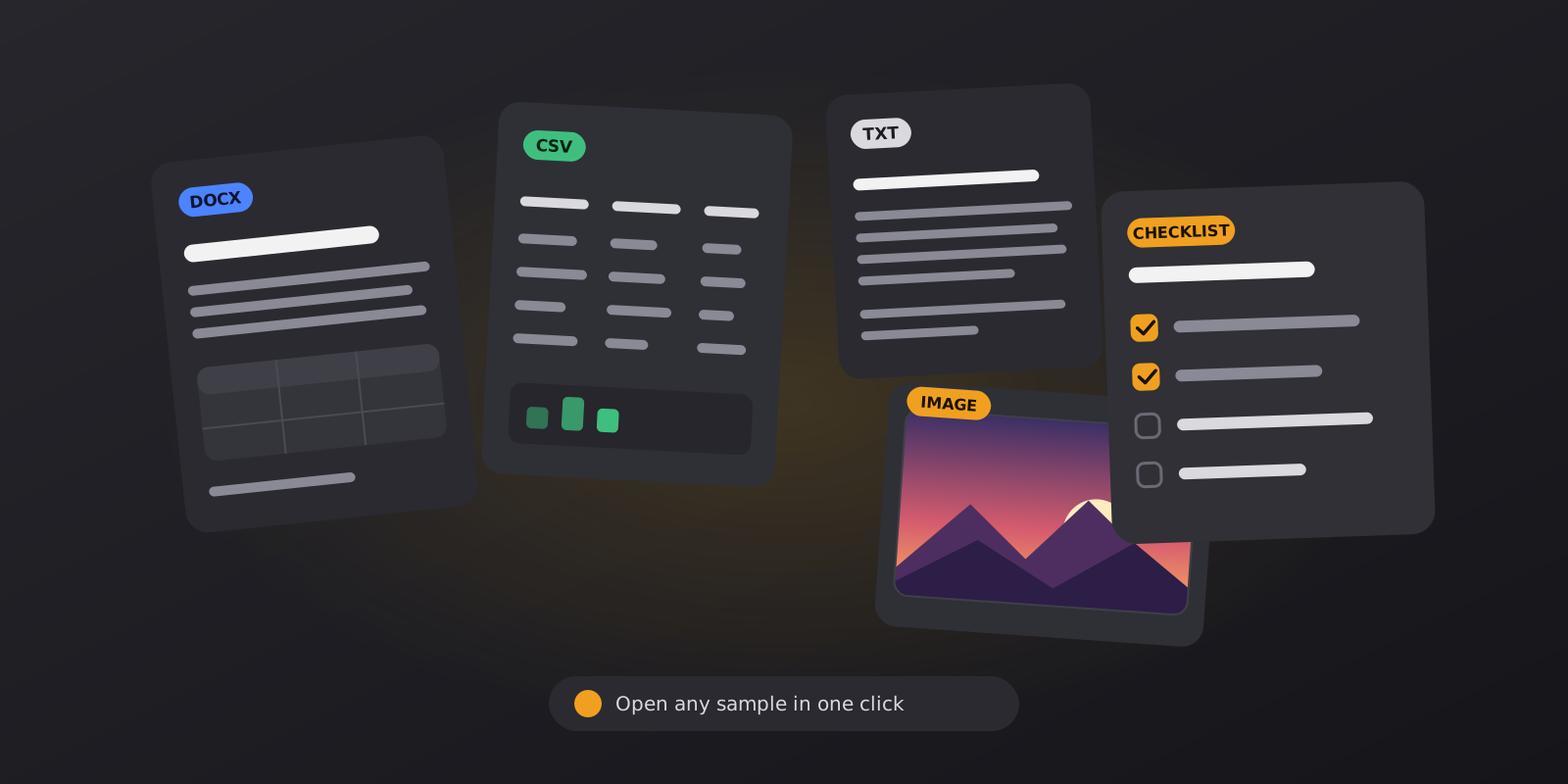
Cards for a DOCX, CSV, text and image sample next to a checklist with ticked boxes

Sample files

Each file opens in the matching tool with a single click.

9 files

Quarterly Reading Report

Document

A short report with headings, lists, a table and a quote. Good for testing themes, spacing and alignment.

sample-report.docx37 KB

Study Notes

Document

Class-style notes with numbered steps, bold terms and a small table.

sample-study-notes.docx36 KB

Sales Table

Spreadsheet

Sixty rows of sales by date, product and region. Try sorting, searching and the dark table view.

sample-sales.csv3.2 KB

Budget Workbook

Spreadsheet

An Excel file with two sheets and formulas: a small monthly budget and a reading log.

sample-budget.xlsx5.7 KB

Short Story

Text

A one-minute story in plain text. Handy for trying text size, line spacing and the reading speed.

sample-story.txt1.1 KB

Markdown Article

Text

A short article written in Markdown, with headings, a list and a quote.

sample-article.md1.0 KB

Sunset Landscape

Image

A colourful picture with a bright sky. See how brightness and tone change on a dark page.

sample-landscape.jpg102 KB

Bright Chart

Image

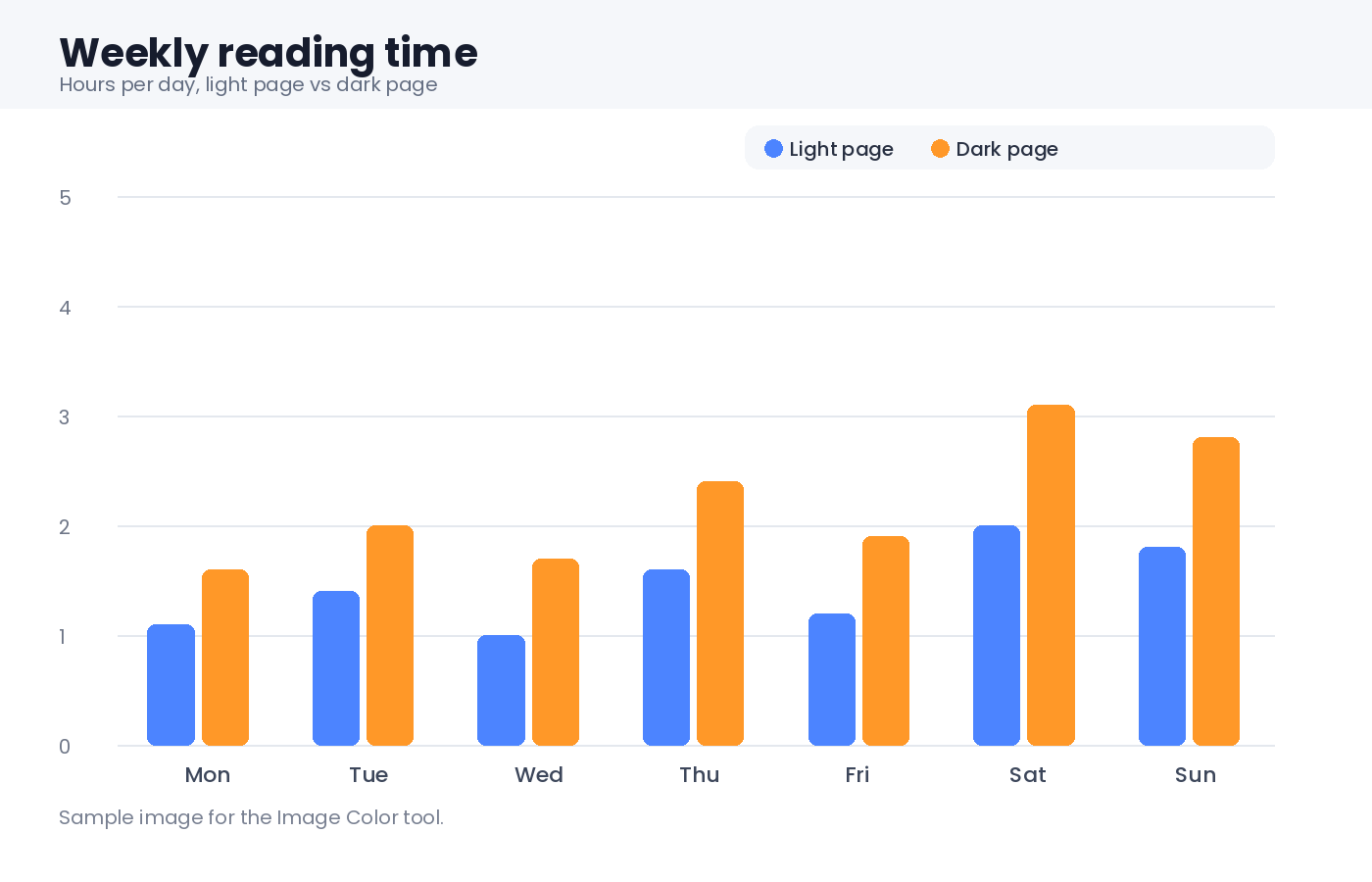
A chart on a white background, the kind of image that glows on a dark page until you adjust it.

sample-chart.png28 KB

Note and checklist templates

Start from a clear layout instead of a blank page.

9 templates

Meeting Notes

Notes

Agenda, decisions and action items in one calm page.

meeting-notes.mdmeeting, work

Reading Notes

Notes

Capture key ideas, quotes and what you will do with them.

reading-notes.mdreading, study

Evening Journal

Notes

Three good things, what you learned and one small step for tomorrow.

daily-journal.mdjournal, daily

Project Brief

Notes

Scope, people, milestones and risks on a single page.

project-brief.mdproject, planning

Brainstorm

Notes

Wild ideas first, then the ones worth a small test.

brainstorm.mdideas, planning

Daily Checklist

Checklist

Morning, work and evening routines with tick boxes.

daily-checklist.mdchecklist, daily

Weekly Plan

Checklist

One goal, five days and a short review on Friday.

weekly-plan.mdchecklist, planning

Launch Checklist

Checklist

What to check before, during and after you publish something.

project-launch.mdchecklist, project

Packing List

Checklist

Documents, clothes, tech and small things for a trip.

packing-list.mdchecklist, travel

How the samples work

Choose a file, press the button and the tool opens with the sample already loaded. From there you can change the theme, text size, spacing or colours and see the result at once. When you are happy with the settings, open a file of your own and the same settings apply.
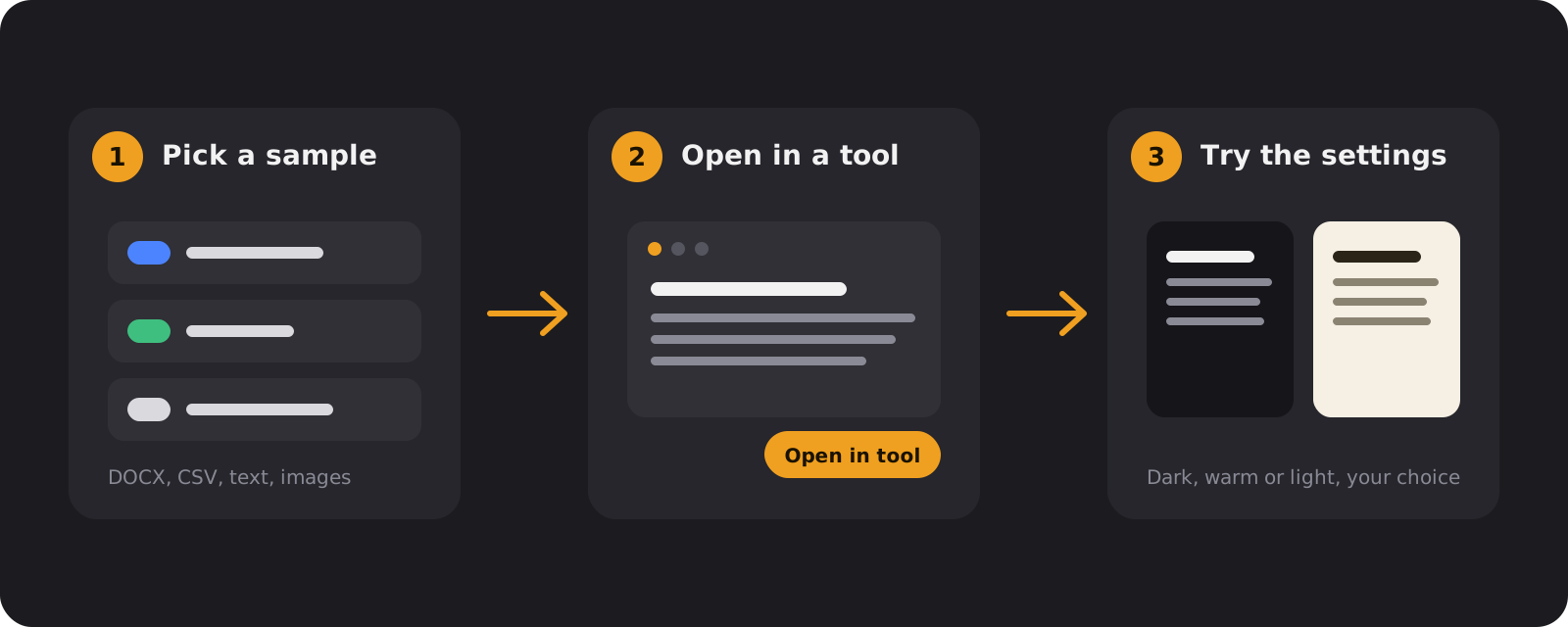
Three steps: pick a sample, open it in a tool, then try the dark, warm and light settings
Pick a file, open it in a tool and try the settings.

Which sample for which tool

  • DOCX: the DOCX Reader shows headings, lists and tables. Try different themes and line spacing on the report.
  • CSV and Excel: the CSV / Excel Viewer opens the sales table and the two-sheet budget. Switch between sheets and search the rows.
  • Text and Markdown: the Text Reader is the best place to compare text sizes on the story and the article.
  • Images: Image Color works well with the bright chart, which is the kind of picture that looks too white on a dark page.

Using the templates

Templates are plain Markdown. In Dark Notepad a template becomes a new note with a title and tags, ready to type in. Lines that start with - [ ] turn into tick boxes in Preview, so a checklist can be used right inside the page. If you prefer another notes app, copy the text or download the file and paste it there.

Want to adapt a template? Change the headings, remove what you do not need and keep what works. A good template is short, and the best one is the one you actually fill in. For longer sessions with the screen, pair a template with a theme from the Theme Gallery and a break timer from the Focus Timer.

Frequently Asked Questions

Quick answers about the samples and the templates.

Do I need an account or my own file to use the samples?

No. Every sample opens straight in its tool, so you can see how the reader, viewer or notepad works before you use a file of your own. There is nothing to sign up for.

What happens when I press Open in tool?

The sample is loaded from this website into the tool in your browser, exactly as if you had picked the file yourself. It is not uploaded anywhere, and you can change the theme, text size and spacing right away.

Can I download the files and use them elsewhere?

Yes. Every sample and template has a Download button. The files are plain, ordinary formats, so they also open in Word, Excel, a text editor or an image viewer. They are free to use for testing and learning.

How do the templates work in Dark Notepad?

Press Open in Dark Notepad and the template is added as a new note with a title and tags. Checklists use tick boxes, so switch the note to Preview and click a box to mark it done. Your other notes are not changed, and everything is saved in this browser only.

Can I use a template outside Dark Notepad?

Yes. Templates are written in Markdown, which is plain text. Press Copy to paste one into any notes app, or Download to get a .md file that opens in almost any editor.

Will the samples change my own files or settings?

No. Samples are separate copies, and opening one works like opening any file in the tool. Your own documents and saved notes stay as they are.

Can I suggest a sample or a template?

Yes. Tell us what you would like to see through the contact form, such as a file type, a layout or a checklist for a particular task.

Ready to use your own files?

Open a document, spreadsheet, book or image from your device and read it in a calm dark view. Everything runs in your browser.