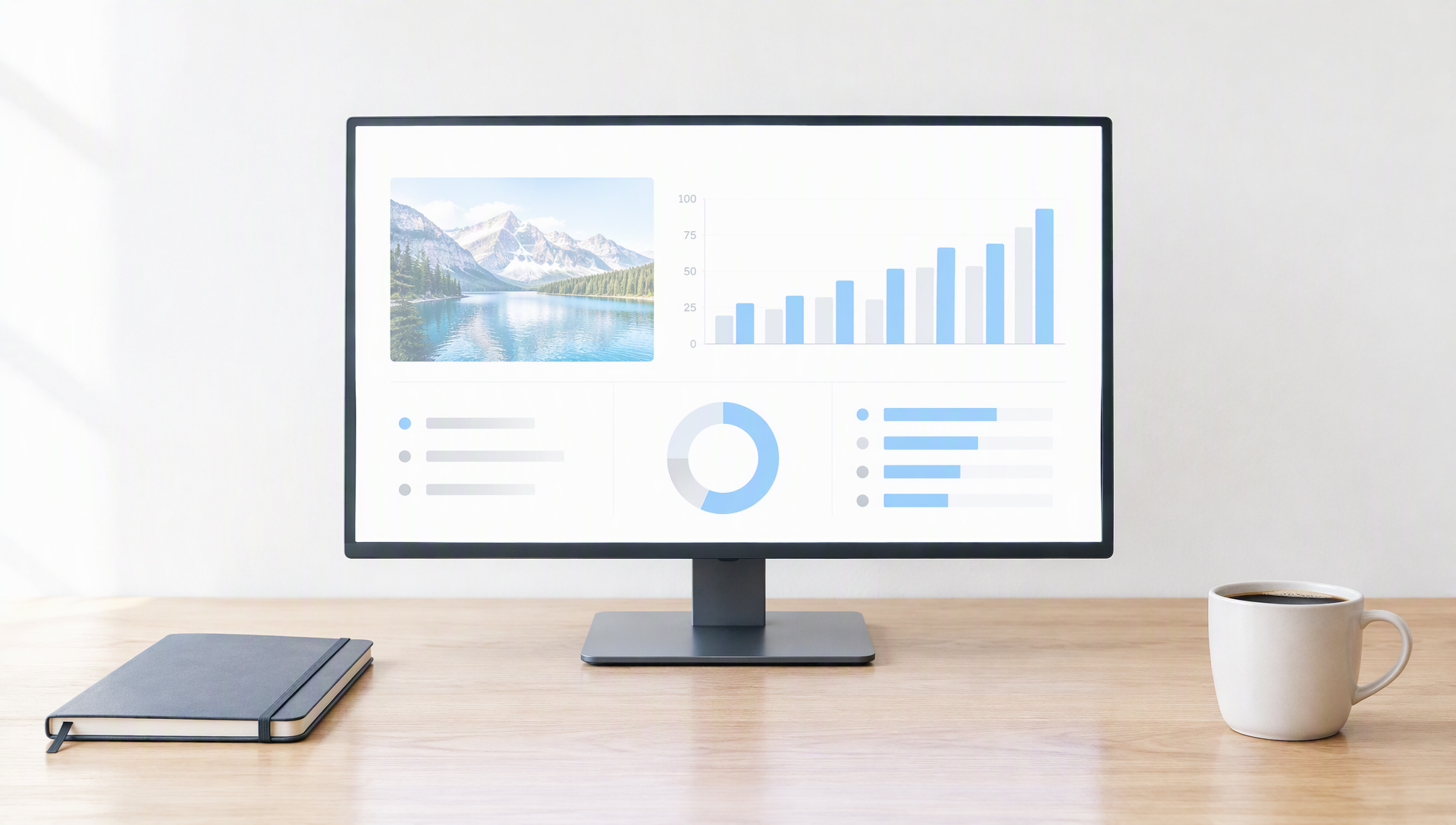
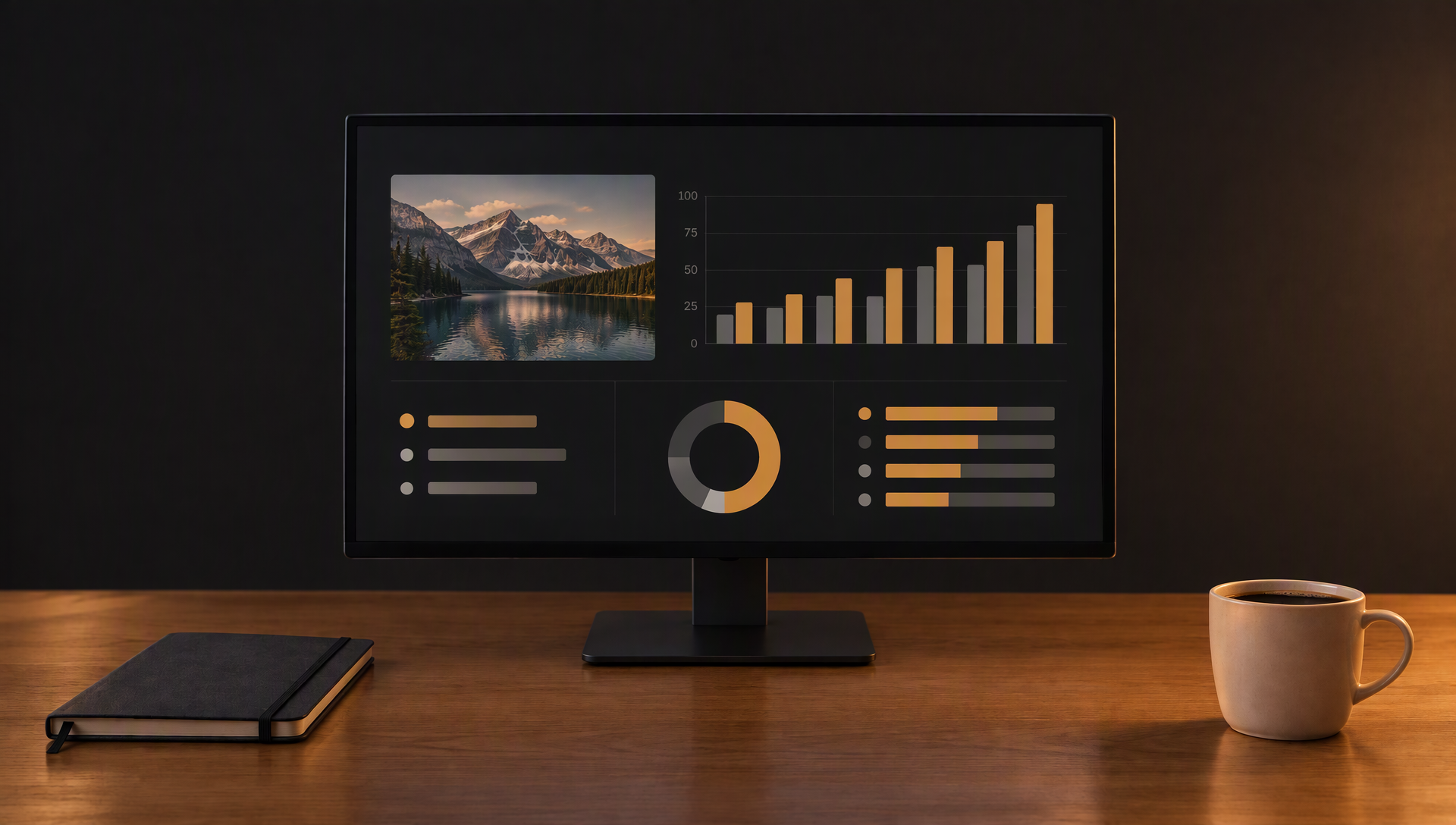
A small colour check for photos, screenshots and charts that will sit on a dark screen.
A white chart or a bright photo that looks fine on paper can glare on a dark page. The pixels that are almost white pull the eye and make the rest of the screen look dim. Image Color measures the picture first, shows you where the bright and dark areas are, and then lets you adjust it until it fits the page.
Open an image and the tool reads the average brightness, the share of bright areas and the share of deep shadows. The histogram shows the same thing as a shape. Auto fix sets the sliders for you, and you can still move any of them by hand. Compare the original and the adjusted image with the slider above the panel.
Nothing is uploaded. The image is processed on this device, the tone and slider settings are remembered in this browser, and Download saves a PNG at the original size.