Dark Mode vs Light Mode: Which Is Actually Easier on Your Eyes?
Dark mode feels calmer at night and light mode feels crisper at noon. Both are true, and the reason has less to do with colour than with the room you are sitting in.
The short answer: it depends on the light around you
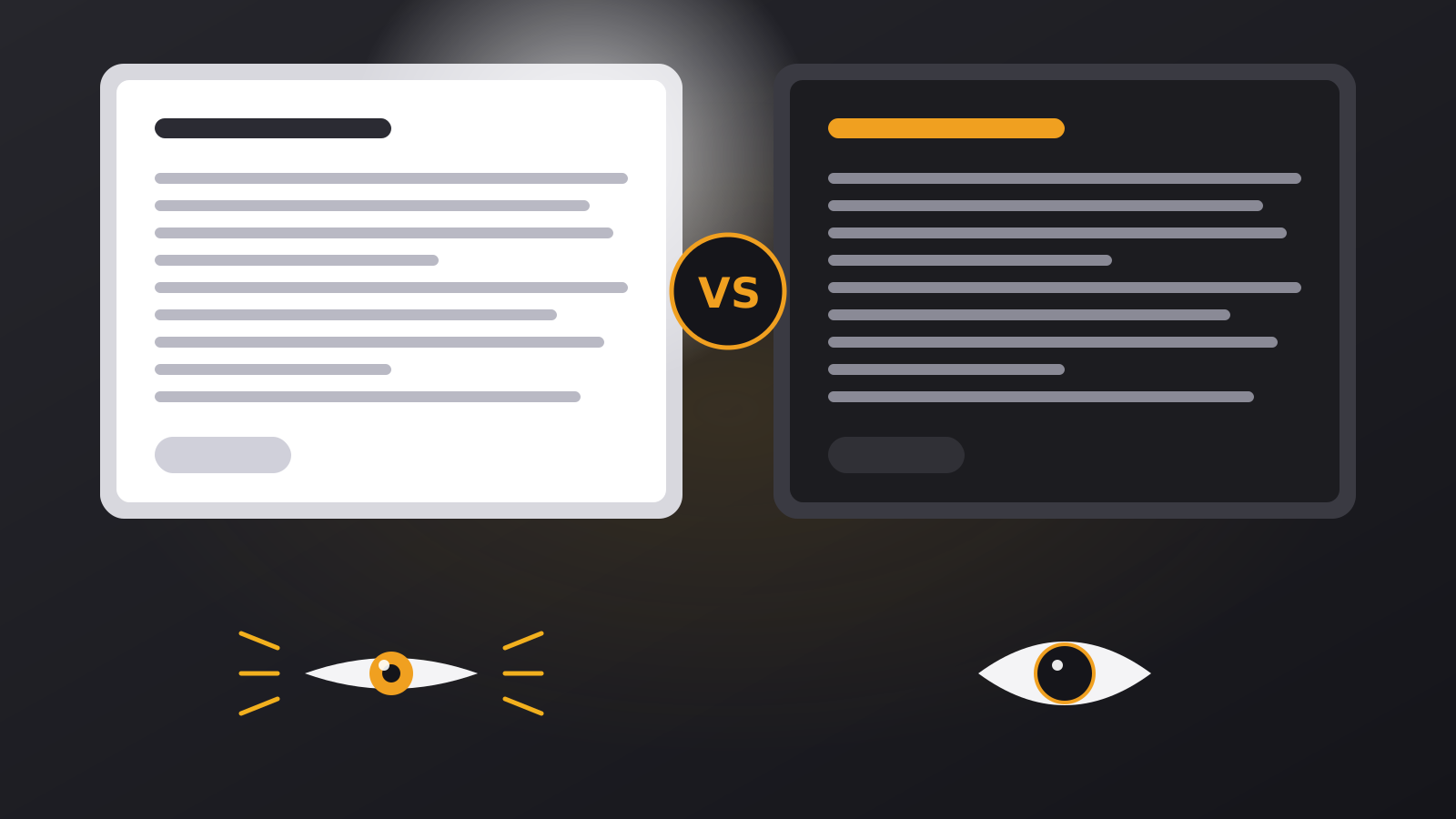
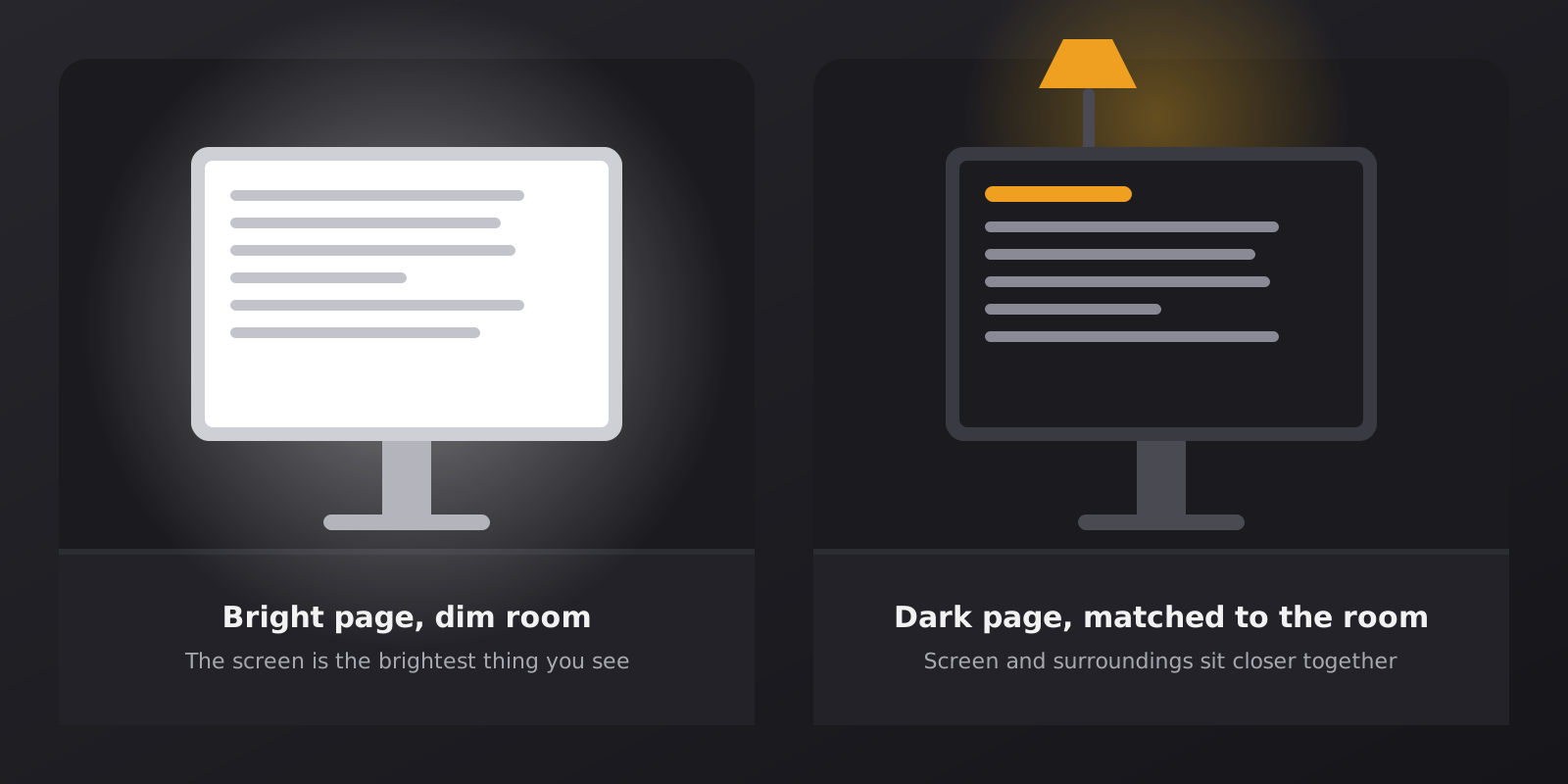
Your eyes do not judge a screen on its own. They judge it against everything else in view. A white page is a small lamp. In a bright office with daylight coming through the window, that lamp blends in. In a dim bedroom at 11 p.m. it becomes the brightest object you can see, and your eyes have to deal with it for as long as you keep reading.
That is the real question behind “dark or light”: how far apart are the brightness of the screen and the brightness of the room? The closer they are, the easier the screen usually feels.
Why a bright page feels harsh in the dark
In low light your pupils open wider to let more light in. When a big white rectangle appears, they have to narrow again, and the extra light that still reaches the eye is felt as glare. Over a few hours that can show up as squinting, a tight feeling around the eyes or a headache behind the forehead.
There is also the blinking effect. People blink less often when they concentrate on a screen, so the surface of the eye dries out faster. A bright page does not cause this on its own, but it makes the discomfort easier to notice, especially late in the day.
Where dark mode genuinely helps
- Evening and night reading. A dark page reduces the amount of light your screen throws at you in a dim room.
- Long documents in low light. Contracts, papers and reports are usually white sheets with black text. A dark tone makes them less tiring after the first hour.
- OLED screens. On these displays, black pixels are switched off. A very dark theme can lower power use on a phone.
- Sensitivity to glare. Some people who find bright screens uncomfortable do better on a darker page.
Where light mode still wins
We build dark tools, so we are not neutral, but honesty matters more than a tidy story. Light mode has real strengths:
- Bright rooms and daylight. Dark pages can look dim and reflective outdoors or next to a window, and the text is harder to separate from reflections.
- Some eyes prefer dark text on a light page. Many people with astigmatism find light text on a dark background blurs at the edges of the letters, because pupils are wider in dim settings. If dark mode looks fuzzy to you, that is a good enough reason to avoid it.
- Dense proofreading. Spotting a small typo is often easier on a light page in good lighting. Several studies of on-screen reading have favoured dark text on a light page for accuracy in bright conditions, although results differ between people and tasks.
The details that make a dark theme comfortable
A dark theme can be tiring when it is done badly. Three details matter most.
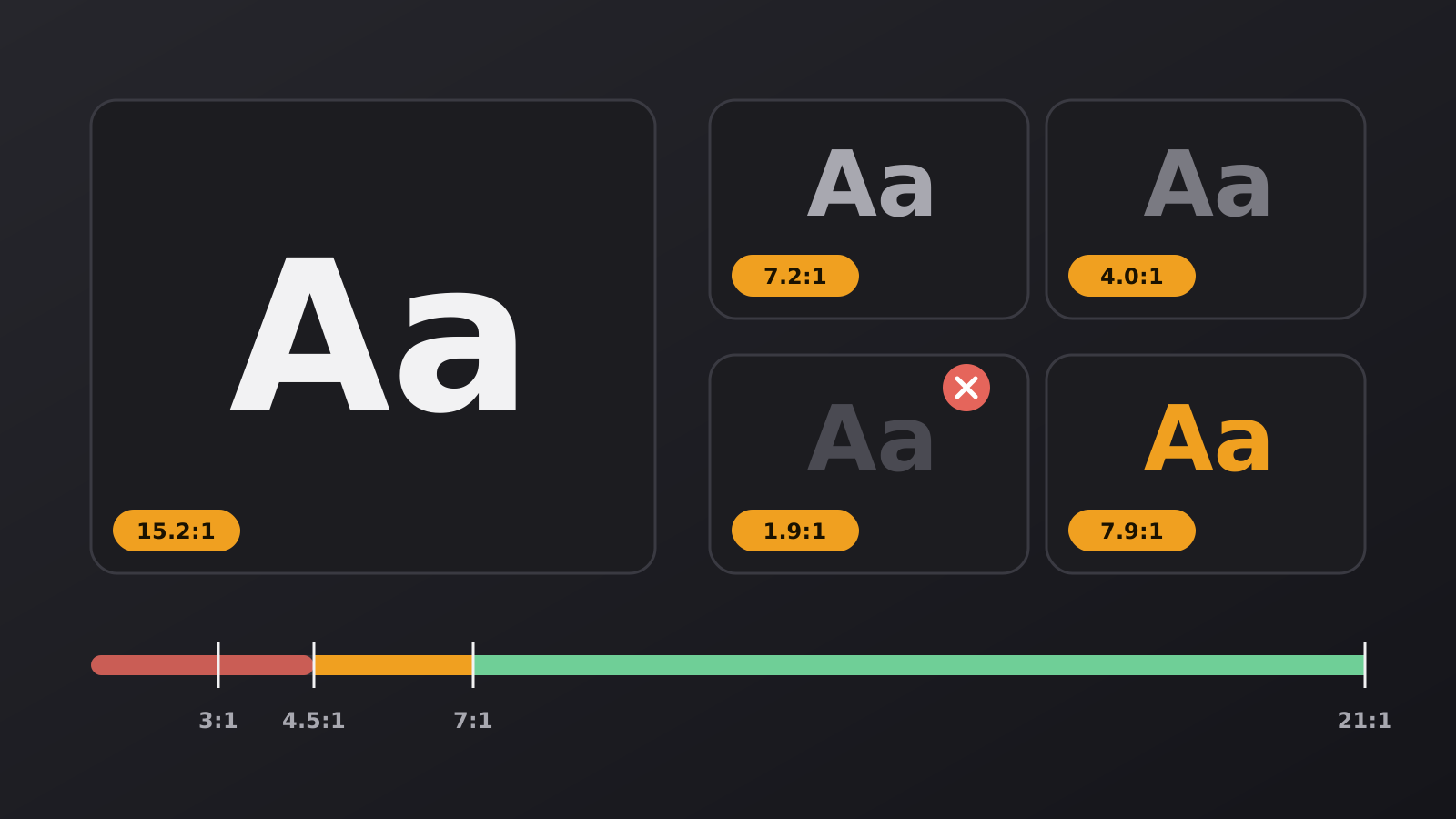
Avoid pure black with pure white. The harshest combination is #000000 behind #ffffff. The contrast is extreme, the letters seem to glow, and on some screens they leave a faint trail when you scroll. A soft dark grey behind off-white text is easier to read. We go into the numbers in our guide to contrast in dark themes.
Keep text readable, not just dark. Dark backgrounds with dim grey text look elegant in a screenshot and are hard to read in practice. Secondary text should still be clearly legible.
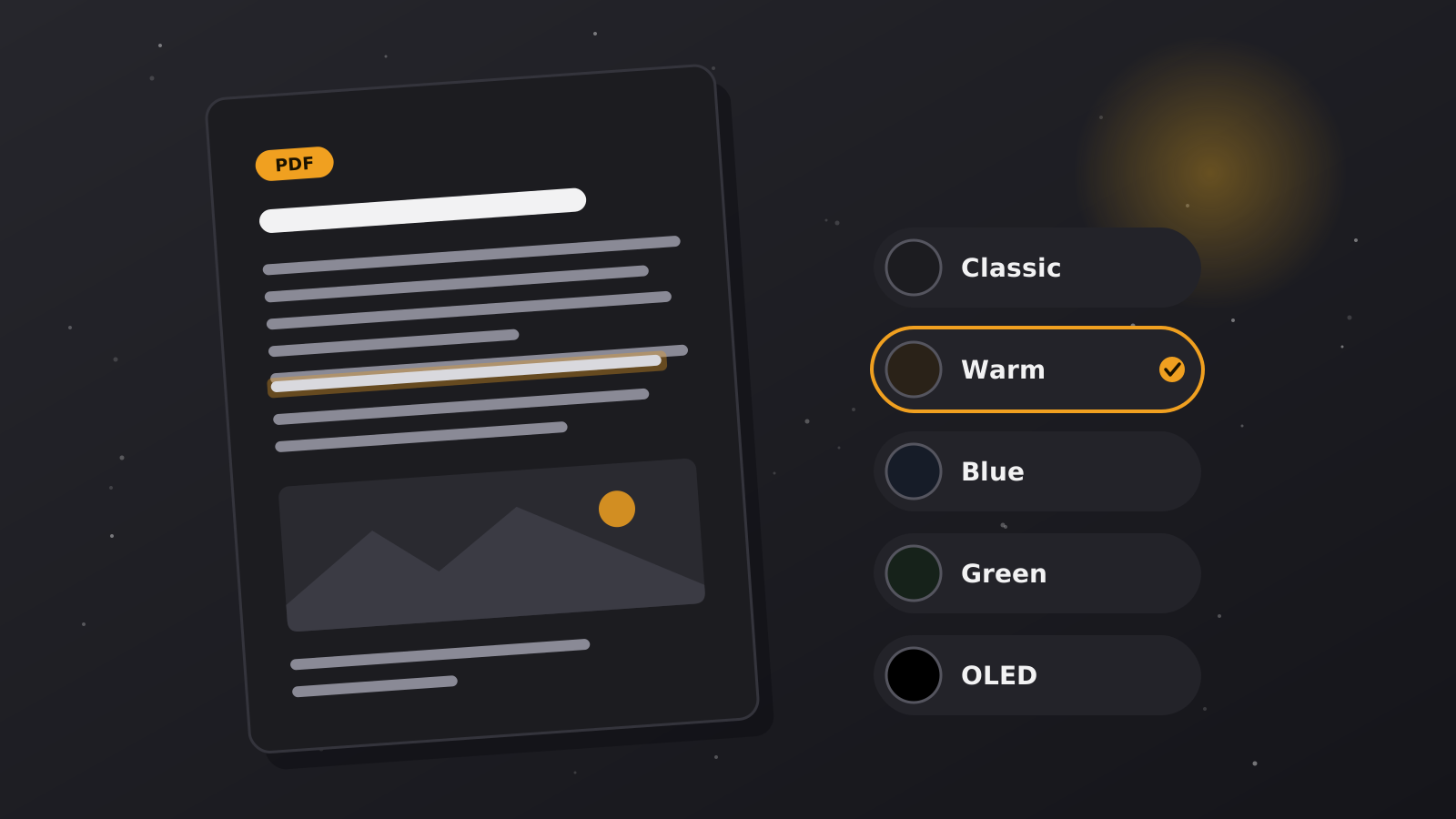
Pick a tone that suits the hour. A neutral dark works well in the evening. A warmer tone can feel gentler late at night. In our Dark PDF Reader you can switch between Classic, Warm, Blue, Green and OLED black without reopening the file.
Habits that matter more than the theme
No colour scheme fixes a few hours of unbroken staring. These habits do more than any theme:
- Follow the 20-20-20 rule. Every 20 minutes, look at something about 20 feet (6 metres) away for 20 seconds.
- Match your screen brightness to the room. If the display looks like a light source, turn it down.
- Blink on purpose now and then, especially when you are deep in a document.
- Increase the text size instead of leaning toward the screen.
- Warm up the screen in the evening. Bright light late at night can make it harder to wind down for sleep, so a warmer tone and lower brightness are a sensible habit.
If your eyes are often red, painful or blurry, or you get regular headaches, a visit to an eye specialist is worth more than any setting. This article is general information, not medical advice.
So, which should you choose?
Use both. Let the light around you decide. During the day, stay with a light page if it feels crisp and clear. As the room gets dimmer, move to a dark tone and lower the brightness. The best theme is the one you stop thinking about.
If you want that switch to be easy, the Dark Theme extension darkens websites in Chrome, and the Dark PDF Reader does the same for documents, right in your browser.
Make your screens a little calmer
Darken websites with the free extension, or open a document in a dark reader that keeps your file on your device.